The short answer
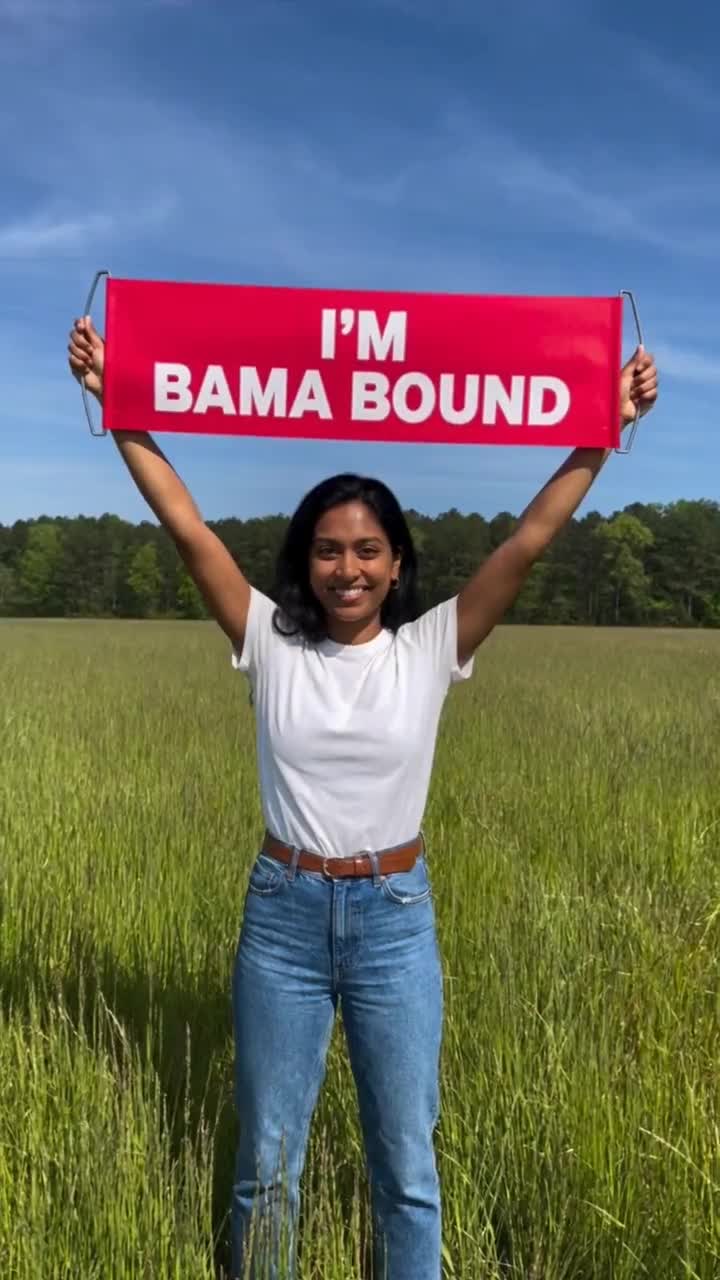
A CapCut template edits media you give it. You open the template, swap in your own photos or clips, and CapCut applies the creator's effects, transitions, stickers and music. An AI video generator makes new footage: from one photo of you, it renders a clip of you somewhere you never stood, like a sunny field under a red I'M BAMA BOUND banner.
So the honest answer is: if you already have a photo or video of yourself with a sign, or you want the exact song and cuts from a trending edit, use a CapCut template. If you only have a normal photo and want the celebration scene itself to exist, use an AI generator. Many people use both: the generator for the field clip, CapCut or the social app to put the two slides and the song together.
What a CapCut template does
CapCut's own help page describes templates as pre-designed edits: effects, transitions, stickers and music that you apply to your media by tapping Use template, replacing the placeholders and exporting. It also notes that a creator's original media in a template may be protected, so you are expected to replace it with yours.
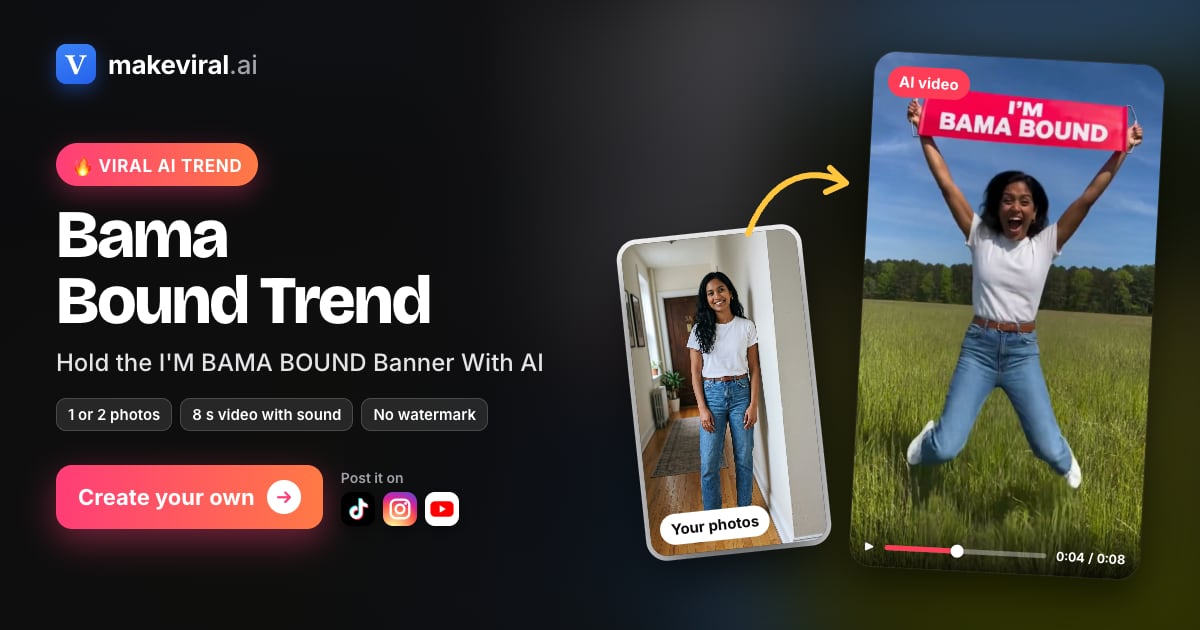
For the Bama Bound trend, MakeViral reports that the first CapCut AI template how-to passed 213,000 views on October 17, 2026. It also reports that the popular template is closed, meaning it shows no prompt you can edit, and that some people complained that filter-style edits changed their skin tone or body shape. Those are worth knowing before you pick a template: you get the creator's look, and you cannot steer it much.
What an AI generator does
A generator like this one starts from a saved scene and one photo. The scene is fixed: an eight-second vertical shot of one person in a sunny green field, a red banner with the words I'M BAMA BOUND overhead, the person looking up, laughing and jumping, with new outdoor cheering sound. Your photo supplies the person. You do not write a prompt or film anything.
The result is a new video file. That is the main difference from a template: nothing in the clip had to exist before. It also means the result can be wrong in ways an edit cannot, such as odd hands or warped letters, so you check it before posting.
Side by side
| CapCut template | AI generator (this studio) | |
|---|---|---|
| What you start with | Your own photos or clips | One photo of one person |
| What you get | Your media re-edited with the template's effects and music | A new eight-second vertical field-banner clip |
| The sign or banner | Only if your media or the template's effect adds it | Always: red banner, words I'M BAMA BOUND, no logo |
| Sound | The template's music, often the trending song | New outdoor cheering sound, no song |
| Control | Swap media; the template's edit is fixed | Pick 480p or 720p; the scene is fixed |
| Cost | Set by CapCut's own plans; check in the app | $7.99 at 480p or $9.99 at 720p, total shown before paying |
| Account | A CapCut account and the app | None for a single clip; an account for credit packs |
| Risk | Filter changes to face, skin or body | Odd hands, letters or motion; check before posting |
Prices for this studio were checked on October 31, 2026. We do not quote CapCut prices because they depend on the template and your CapCut plan.
When CapCut is the better choice
Pick a template when you want the edit, not the footage. If you have a real photo with a sign, a real campus visit, or you want the exact transitions and soundtrack from a post you saw, a template gets you there faster and it is often free to try in the app.
It is also the right tool for assembling the two-slide post. Even if you make the celebration clip with a generator, you can drop your normal photo and the clip into CapCut, add the "applied as a joke" text and the song, and export.
When an AI generator is the better choice
Pick a generator when you do not have the scene. Most people do not own a photo of themselves under a giant red banner in a field. A generator makes that clip from a selfie, with motion and sound, without filming.
It is also more predictable for a logo-free result. This studio's banner always reads I'M BAMA BOUND with no university logo or script letter, which keeps the joke from looking like an official university image.
Other routes people use
There are a few more ways to make the meme, and each has a catch:
- A general AI video model with a prompt: flexible, but you write the prompt, pay per try and redo takes until the banner letters come out right.
- Sign-photo (still image) makers: quick, but you get a picture, not a clip, and you still need an edit for motion.
- Multi-photo generators: they put two or more people in the scene; this studio takes one person per clip.
- Holding a real sign: the original way, if you are actually on campus. The official sign carries the university's logo.
Bottom line
Use a CapCut template to edit what you have and get the trending song. Use an AI generator to create the celebration you do not have. For the full post, generate the field clip here, then put the two slides and music together in CapCut or the social app. Either way, label it as a joke: a Bama Bound clip is not an acceptance or a scholarship.
Sources
CapCut Help, "How to Use Templates in CapCut?", checked October 31, 2026.
MakeViral, Bama Bound template page with the trend timeline, checked October 31, 2026. It is a competing product; its numbers are reported, not measured by us.
CapCut template vs AI generator
| You start with | Your own photos or clips | One photo of one person |
|---|---|---|
| You get | Your media re-edited with effects and music | A new eight-second field-banner clip |
| Sound | The template's music | New cheering sound, no song |
| Cost | Set by CapCut's plans | 7.99 USD at 480p or 9.99 USD at 720p |